How to Use T Mobile eSIM for Japan Travel in 2026
8/9/2026
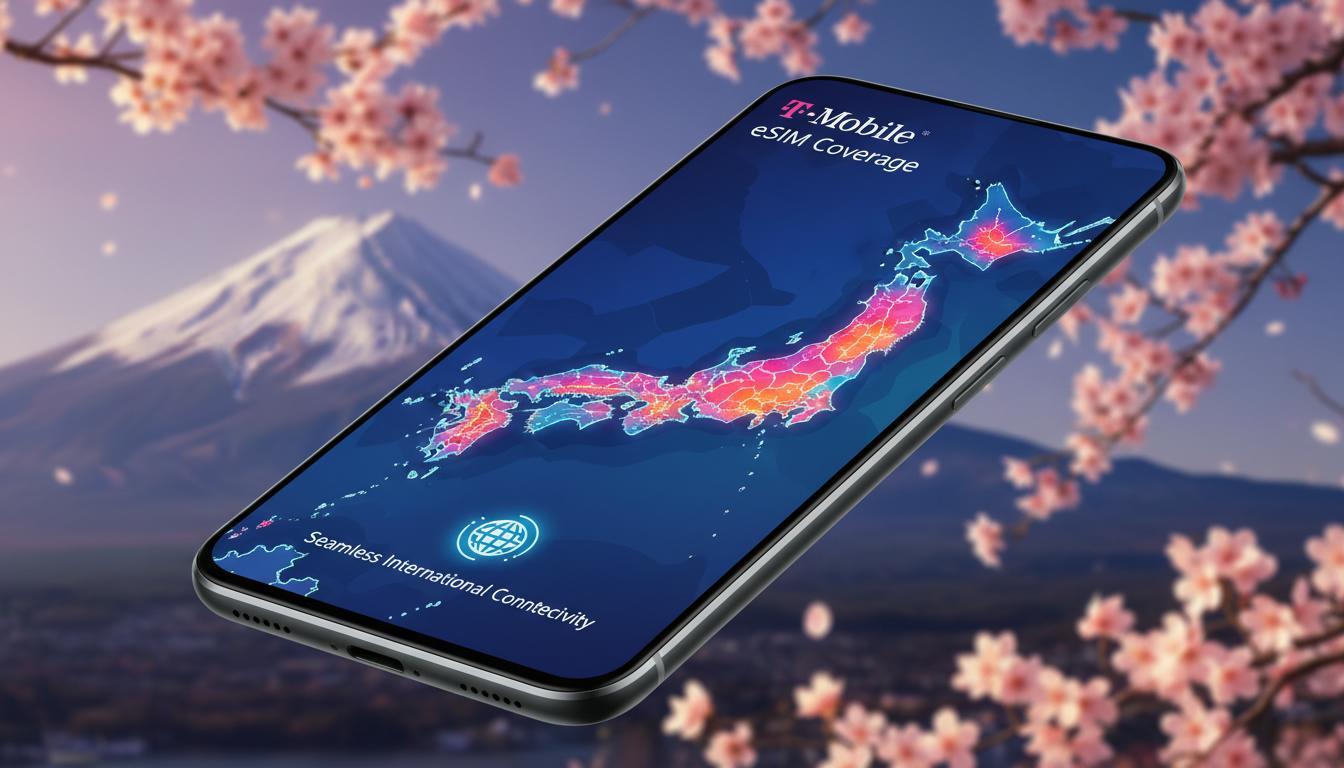
In short, what you'll discover in this article: Learn how to use a T Mobile eSIM for Japan travel with ease. We'll cover device compatibility, activation steps, data plans, coverage details, and tips to stay connected hassle-free during your trip.
1. Introduction — Why Choose the T Mobile eSIM for a Trip to Japan
Traveling to Japan with a T Mobile eSIM offers a seamless way to stay connected without swapping physical SIM cards or dealing with complicated setups. The T Mobile eSIM for Japan allows you to use your existing phone number and data plan while enjoying local network coverage.
This convenience means you can access maps, communicate, and browse the internet effortlessly throughout your journey.
Using a T Mobile international eSIM for Japan eliminates the need to purchase local SIM cards or rent pocket Wi-Fi devices. Plus, it reduces the risk of losing connectivity when switching between providers.
For travelers seeking simplicity and reliability, the benefits of a T Mobile eSIM in Japan are clear.
2. Compatibility and Prerequisites
2.1 Compatible Devices (Model-by-Model List)
Before activating your T Mobile eSIM for Japan, ensure your device supports eSIM technology and is compatible with Japanese networks. Most recent flagship smartphones support eSIMs, including:
- Apple iPhone XS, XR, 11 series, 12 series, 13 series, 14 series
- Google Pixel 3 and newer models
- Samsung Galaxy S20 and later (S21, S22, S23)
- Microsoft Surface Duo 2
Check your phone's settings or manufacturer website to confirm eSIM compatibility. Also, verify that your device is unlocked or locked to T Mobile to avoid activation issues abroad.
2.2 T Mobile Plan Conditions (Eligible Plans and Activation Abroad)
Not all T Mobile plans support international eSIM use. Typically, Magenta and Magenta MAX plans include international roaming features compatible with the T Mobile eSIM for Japan.
Prepaid plans may require additional steps or may not support international roaming via eSIM.
Activation abroad usually requires your phone to be unlocked and the plan active before departure. Some users report needing to activate the eSIM while still in the U.S., then enabling roaming once in Japan.
3. How to Activate Your T Mobile eSIM for Japan (Step-by-Step Guide)
3.1 Preparations Before Departure (Backup and OS Updates)
Before traveling:
- Back up your phone data.
- Update your iOS or Android system to the latest version.
- Confirm your device is unlocked.
- Download the T-Mobile Prepaid eSIM app if using prepaid services.
- Ensure you have Wi-Fi access for initial activation steps.
3.2 Detailed Activation Steps with Screenshots
- Access Settings: Go to Settings > Cellular > Add Cellular Plan.
- Scan QR Code: Use the QR code provided by T Mobile or generated via their app.
- Confirm Activation: Follow on-screen prompts to install the eSIM profile.
- Enable Roaming: Turn on international roaming in cellular settings.
- Test Connectivity: Once in Japan, verify you can make calls and access data.
For prepaid users, downloading the dedicated app simplifies plan selection and activation.
3.3 Common Errors and How to Fix Them
- Error: “No service” after activation — Solution: Restart your phone or toggle airplane mode.
- Error: Unable to scan QR code — Solution: Manually enter activation details if available.
- Error: Data not working — Solution: Check APN settings or contact T Mobile support.
4. Plans, Pricing, and Data Management
4.1 Comparison of T Mobile Options (Magenta, Prepaid, Roaming Passes)
T Mobile offers several options for using an eSIM in Japan:
- Magenta Plans: Include free unlimited texting and data at up to 2G speeds; higher-speed passes available for purchase.
- Prepaid Plans: Flexible but may have limited international coverage; activation via app recommended.
- International Day Pass: $10/day per line for high-speed data and calls in Japan.
4.2 Hidden Fees, Hotspot Limits, and Throttling Policies
Be aware of potential extra charges such as:
- Roaming fees beyond included data limits.
- Hotspot usage restrictions or throttling after certain thresholds.
- Possible slower speeds during peak hours in crowded areas.
Managing your data through the T Mobile app helps avoid unexpected costs.
5. Coverage and Performance in Japan
5.1 Coverage Map by City (Tokyo, Osaka, Tourist Regions)
Your T Mobile eSIM connects automatically to major Japanese networks like NTT Docomo, SoftBank, or au depending on location:
- Tokyo: Excellent coverage with fast LTE/5G speeds.
- Osaka: Reliable connectivity across urban areas.
- Tourist spots (Kyoto, Mt Fuji): Generally good but some rural areas may have weaker signals.
5.2 Speed Test Results and Practical Tips
Speed tests show consistent LTE speeds averaging around several Mbps suitable for streaming and navigation. To optimize performance:
- Use Wi-Fi when available indoors.
- Restart your device if signal drops.
- Avoid peak travel times when networks may be congested.
6. Alternatives and Comparisons
6.1 Japanese Prepaid eSIM vs T Mobile eSIM
Japanese prepaid eSIMs offer competitive pricing starting around $4–5 per GB but require purchasing locally or online before arrival. They provide local numbers but involve setup complexity.
In contrast, using a T Mobile eSIM for Japan offers convenience by keeping your home number active without swapping SIMs.
6.2 Physical SIM Cards and Pocket Wi-Fi Rentals
Physical SIM cards bought in Japan provide reliable service but require manual installation and sometimes Japanese ID verification.
Pocket Wi-Fi devices offer shared connectivity but add bulk and rental fees.
For more on buying options see how to buy an eSIM for Japan.
7. Best Practices While Traveling
7.1 Using Dual-SIM and Managing Multiple Profiles
Many phones support dual-SIM functionality allowing simultaneous use of physical SIM and eSIM profiles—ideal for separating personal and travel lines.
Switch profiles easily in settings depending on usage needs.
7.2 Security, VPNs, and Tips for Important Calls/SMS
To protect privacy:
- Use VPN services when accessing public Wi-Fi.
- Confirm emergency numbers work on roaming plans.
- Keep backup communication apps ready (WhatsApp, LINE).
8. Conclusion — Recommendations Based on Traveler Profile
For travelers prioritizing convenience and seamless connectivity without swapping SIM cards, the T Mobile eSIM for Japan is an excellent choice offering reliable coverage across major cities with straightforward activation steps.
If cost is a major concern or you prefer a local number, consider Japanese prepaid eSIMs or pocket Wi-Fi rentals instead.
To find the best deals on Japanese travel eSIMs beyond T Mobile’s offerings, consult MyBestSim’s comprehensive comparison tools that highlight top providers like Yesim or Orange Travel with verified promo codes ensuring savings during your trip.
For more detailed insights on pricing specifics check out Japan eSIM cost.
For step-by-step purchase guidance visit how to buy an eSIM for Japan.
Explore top recommendations at what is the best eSIM for Japan.
FAQ
Which devices support T Mobile eSIM for Japan?
Most recent flagship smartphones support T Mobile eSIMs for Japan, including Apple iPhone XS and newer, Google Pixel 3 and later, Samsung Galaxy S20 and above, and Microsoft Surface Duo 2. Ensure your device is unlocked or locked to T Mobile before traveling.
How do I activate my T Mobile eSIM before traveling to Japan?
To activate, back up your phone, update your OS, and confirm your device is unlocked. Then scan the QR code via Settings > Cellular > Add Cellular Plan or use the T-Mobile Prepaid eSIM app. Enable international roaming once in Japan for full connectivity.
What T Mobile plans work with eSIMs in Japan?
Magenta and Magenta MAX plans include international roaming compatible with eSIM use in Japan. Prepaid plans may require app activation and have limited coverage. The International Day Pass offers high-speed data for $10 per day per line.
How reliable is T Mobile coverage across Japan?
T Mobile eSIM connects to major Japanese networks like NTT Docomo and SoftBank, offering excellent coverage in Tokyo and Osaka. Tourist areas generally have good signals, though rural regions might experience weaker connectivity.
What should I do if my T Mobile eSIM shows no service in Japan?
If you see 'No service,' try restarting your phone or toggling airplane mode. If QR code scanning fails, enter activation details manually. For data issues, verify APN settings or contact T Mobile support for assistance.

Sakura Tanaka
Sakura is a Japan travel writer. At Japan eSIM she compares NTT Docomo, SoftBank and au plans for visitors exploring Tokyo, Kyoto and beyond.