Costs and Fees of Using Multiple Esims on iPhone in Japan
10/11/2026
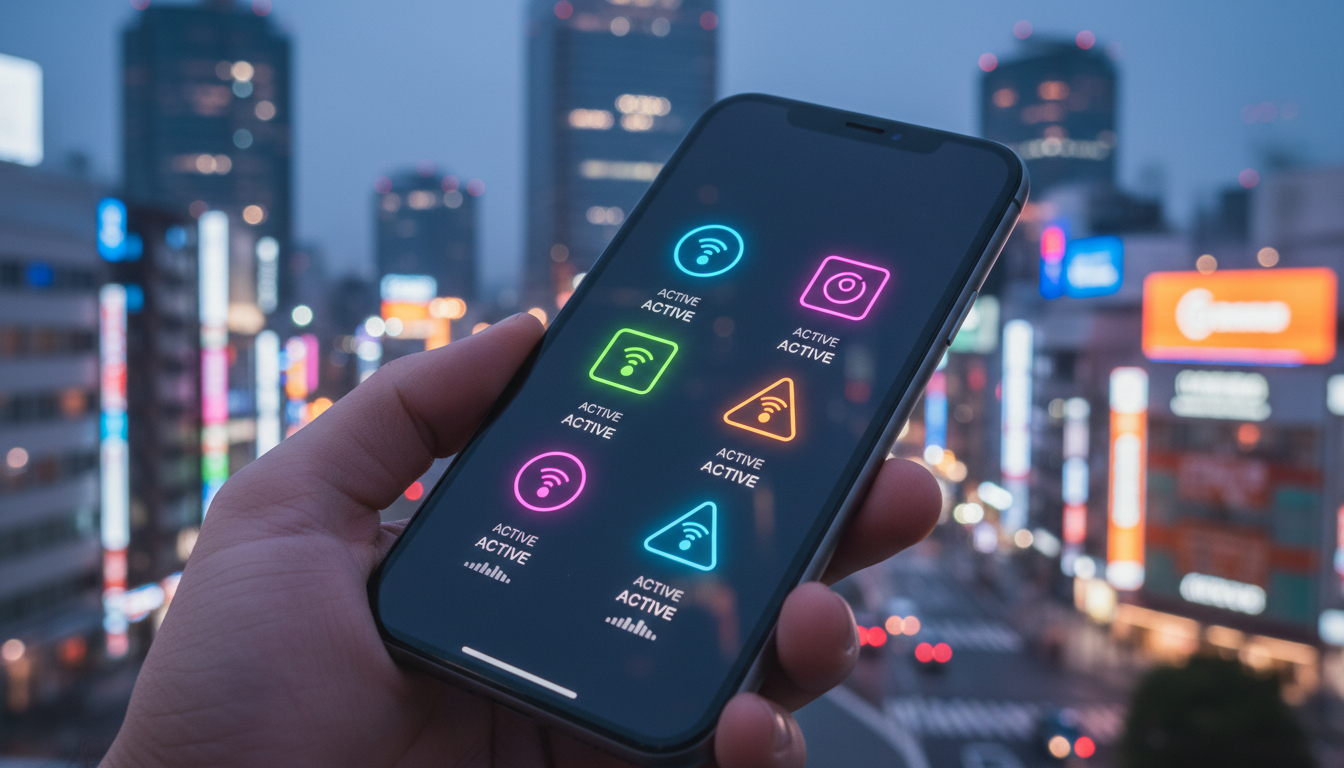
How Much Does It Cost to Use Multiple eSIMs on an iPhone for Japan Travel?
Managing multiple eSIMs on an iPhone can be a game changer for travelers, especially in Japan where local data plans vary widely in price and coverage. But what exactly are the costs involved?
Can you store several eSIMs without extra fees, and what about switching between them? Here’s a detailed breakdown focused on the budget side of using multiple eSIMs on your iPhone during your trip.
Understanding the Cost Structure of Multiple eSIMs on iPhone
When you use multiple eSIMs on an iPhone, the costs break down into two main categories: the data plan fees charged by carriers or providers, and any hidden or incidental fees related to managing those eSIMs on your device.
Data Plans Are the Primary Expense
Each eSIM corresponds to a mobile data plan or phone number. For Japan travel, providers like Roamic, Yesim, LinkeSIM, and others offer prepaid data plans with prices depending on data volume and duration.
For example:
| Provider | Data Allowance | Validity | Price (USD) | Promo Code |
|---|---|---|---|---|
| Roamic | Unlimited | Varies | See MyBestSim* | MYBESTSIM |
| Yesim | Unlimited | Varies | See MyBestSim* | MYBESTSIM20 |
| LinkeSIM | Varies | Varies | See MyBestSim* | MYBESTSIM |
(*Prices fluctuate; check MyBestSim for up-to-date offers.)
You pay separately for each plan you activate. Storing multiple eSIM profiles on your iPhone does not incur fees itself, but activating a plan means paying its full cost.
No Extra Charges for Storing Multiple eSIMs
iPhones can store several eSIM profiles—often between five and ten depending on the model—but only two SIMs can be active simultaneously: either one physical SIM plus one eSIM, or two eSIMs. This means you can keep multiple plans saved without paying for them until you activate each one.
This storage capacity is free of charge and managed by iOS without additional fees from Apple or carriers. However, switching between stored eSIMs requires deactivating one plan and activating another, which may involve re-downloading or reactivating the profile depending on the carrier’s policy.
Potential Hidden Costs When Switching or Managing eSIMs
Switching between multiple eSIMs might seem straightforward but can have budget implications:
- Some carriers may require a re-activation fee or limit how often you can switch between plans.
- If your iPhone is locked to a specific carrier, using multiple eSIMs from different providers might not work without unlocking it first.
- Data roaming charges apply if you activate a plan outside its intended region.
- Using multiple active lines simultaneously (Dual SIM Dual Standby) consumes more battery power, which could indirectly increase costs if you need to replace batteries or carry extra power banks.
I always start by verifying that my iPhone is unlocked and compatible with the carriers I want to use. This avoids unexpected activation failures or fees.
How to Use Several eSIMs on iPhone Without Breaking Your Budget
Managing multiple eSIMs efficiently requires understanding both technical limits and cost traps.
The Setup Process for Several eSIMs on iPhone
- Check Compatibility: Only iPhones from XS/XR onward support dual SIM with one physical SIM and one eSIM. Newer models like iPhone 14 support multiple stored eSIM profiles but still only two active lines.
- Purchase Data Plans: Buy prepaid plans from trusted providers specializing in Japan travel, such as those listed on MyBestSim.
- Install Profiles: Scan QR codes or use carrier apps to add each eSIM profile to your device.
- Activate One or Two Lines: Choose which plans to activate simultaneously via Settings > Cellular.
- Switch When Needed: Deactivate one line before activating another if you want to switch beyond two active lines.
Common Mistakes That Lead to Extra Costs
- Overlooking that only two SIMs can be active at once leads some travelers to buy more plans than they can use simultaneously, wasting money.
- Forgetting to deactivate a plan before switching might cause temporary loss of service or require contacting customer support.
- Not confirming if your iPhone is unlocked results in failed activations and potential service charges.
The Apple Support page clearly states that “Your iPhone must be unlocked or both mobile plans must be from the same carrier” for dual SIM functionality to work properly.
Budget Considerations When Using Multiple eSIMs in Japan
Comparing Costs of Popular Japan Travel Data Plans
While I won’t list exact prices here due to frequent changes, MyBestSim remains the go-to source for comparing offers from providers like Roamic (ranked #1), Yesim (#2), LinkeSIM (#4), and others offering discounts with promo codes such as MYBESTSIM20 (Yesim) or MYBESTSIM (Roamic).
The Benefits of Multiple eSIMs on iPhone vs Physical SIM Cards
Using multiple eSIMs eliminates the need to carry physical SIM cards for each country or provider, reducing risk of loss and simplifying management. However:
- Physical SIM cards often have fixed upfront costs but no ongoing profile management fees.
- Multiple stored eSIM profiles allow flexibility but require careful activation management to avoid paying for unused plans.
I’d advise against buying numerous prepaid plans “just in case” because unused data plans still cost money even if inactive.
Limitations That Affect Your Budget Planning
- The maximum number of stored profiles varies by model: newer iPhones can store up to 10 profiles but only two active at once.
- Some carriers restrict how often you can switch between their profiles; excessive switching might trigger fees or service blocks.
- Using two active lines simultaneously doubles your exposure to data usage charges if not monitored carefully.
Managing Multiple eSIMs on an iPhone: Practical Tips for Travelers
How Switching Between eSIMs Works in Practice
Switching involves toggling active lines in Settings > Cellular > Cellular Plans. The process is usually instant but depends on carrier policies:
- Some carriers allow instant switching without reactivation.
- Others require re-downloading the profile via QR code or app.
This mechanism means that while storing many profiles is free, frequent switching could lead to delays or calls with customer support—time is money when traveling.
Field Observation: Battery Impact When Using Dual Active Lines
When both SIM lines are active (Dual SIM Dual Standby mode), your iPhone’s radio modules work harder, draining battery faster than single SIM use. On long travel days without easy charging options, this increases indirect costs as you may need portable chargers or replacements sooner.
Field Observation: Locked Phones Limit Your Options and Increase Costs
If your iPhone is locked to one carrier, trying to add an unrelated second carrier’s eSIM will fail. Unlocking services often cost $50–$100 depending on provider and region.
This upfront cost should factor into your budget if planning multi-eSIM use abroad.
The Difference Between Physical SIM and Multiple eSIMs on iPhone: What You Pay For
Physical SIM cards typically involve:
- A one-time purchase fee (usually $5–$10).
- No ongoing profile management fees.
- Manual swapping required when changing numbers/plans.
Multiple eSIMs offer:
- No physical card purchase needed.
- Ability to store up to 10 profiles (on newer models).
- Activation costs per plan remain standard.
- Potential reactivation fees depending on carrier policy.
This means while storing several eSIM profiles doesn’t cost extra, each activated plan still has its own price tag—there’s no “free” unlimited switching without paying for each plan’s data allowance.
For travelers aiming at Japan’s best deals, I recommend checking detailed plan comparisons like those found in Japan Travel eSIM’s guide before committing financially.
By focusing strictly on what affects your wallet—the actual data plan prices, activation policies, device limitations, and hidden switching costs—you can confidently manage several eSIMs on your iPhone without surprises during your Japan trip. If you want a deeper dive into specific Japan data plans optimized for tourists, this article offers excellent insights tailored for visitors like you.
FAQ
How many eSIMs can an iPhone store at once?
Newer iPhones can store between five and ten eSIM profiles depending on the model. However, only two SIMs can be active simultaneously—either one physical SIM plus one eSIM or two eSIMs active at the same time.
Are there extra fees for storing multiple eSIM profiles?
No, storing multiple eSIM profiles on your iPhone does not incur any additional fees. You only pay for the data plans when you activate each eSIM, but keeping several profiles saved is free and managed by iOS.
Can I switch between multiple eSIMs without extra costs?
Switching between eSIMs is usually free, but some carriers may charge re-activation fees or limit how often you can switch. It’s important to check carrier policies to avoid unexpected charges when toggling between plans.
Does using two active eSIMs affect battery life significantly?
Yes, using dual active lines (Dual SIM Dual Standby) causes your iPhone’s radios to work harder, draining battery faster. This may lead to indirect costs if you need extra power banks or battery replacements during travel.
What should I check before using multiple eSIMs on my iPhone?
Ensure your iPhone is unlocked and compatible with the carriers you plan to use. Locked phones can prevent adding eSIMs from different providers, potentially causing activation failures and extra unlocking fees.

Sakura Tanaka
Sakura is a Japan travel writer. At Japan eSIM she compares NTT Docomo, SoftBank and au plans for visitors exploring Tokyo, Kyoto and beyond.